Networking is generally quite complex. In huge networks with many connected computers, you often feel the need to have a simple solution for a relatively simple problem. WakeOnLAN by Aquila offers to resolve some of these problems, so let's check out what it has to offer.
Wake and shut down PCs
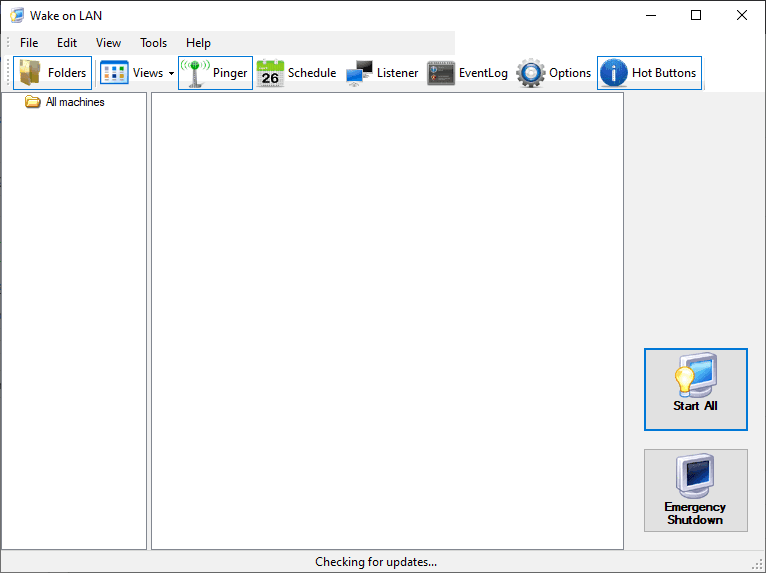
WakeOnLAN is a Windows application that can be used to wake up or shut down computers connected to the same Local Area Network (LAN). The only requirement is that the computers on the network support the Magic Packet protocol. It's quite simple and easy to use, even for users with no networking experience.Network monitoring and scanning
Besides waking up or shutting down network computers, it can easily be used to monitor and display information about incoming WoL packets or to scan your network and add hosts to your database. The first option can be quite useful in troubleshooting any network routing problems that may occur.Advanced script configurations
WakeOnLAN is primarily designed to shut down Windows computers in the same domain. However, it's possible to shut down computers that don't belong to the domain or even Linux server computers, but you'll need to do extra work creating a script.A reliable addition to your toolkit
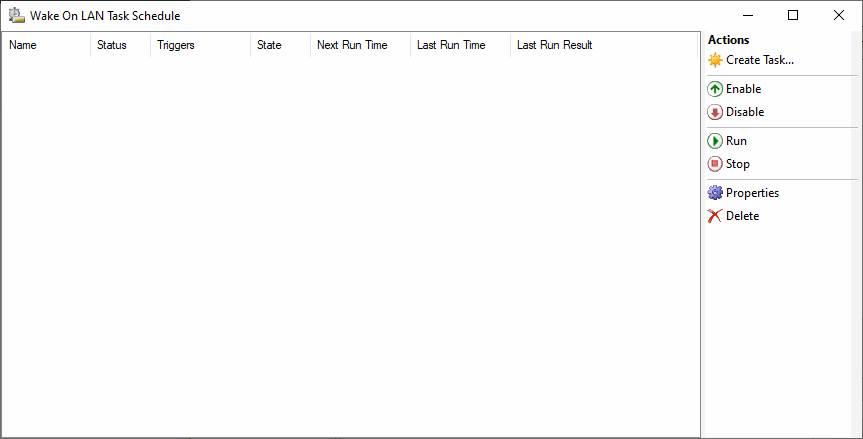
It's a useful tool that can be used to monitor the network, schedule computers to wake up or shut down by creating tasks, and you can even be notified by email of any major events. The app is available in many languages and it works exactly as advertised. It's a great tool that can aid many network technicians.